What to Do Immediately When Liquid Hits Your Phone, Laptop, or Smartwatch
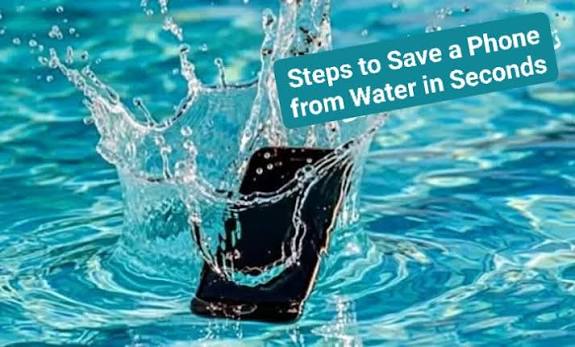
Spilling water, coffee, or tea over an expensive laptop or dropping a smartphone into water starts a race against time. Liquid contact causes short circuits and accelerates corrosion across internal micro-components.
Following proper emergency steps immediately after a liquid spill significantly increases the chances of recovering the device and preserving data.
Why the "Rice Myth" Harms Electronics
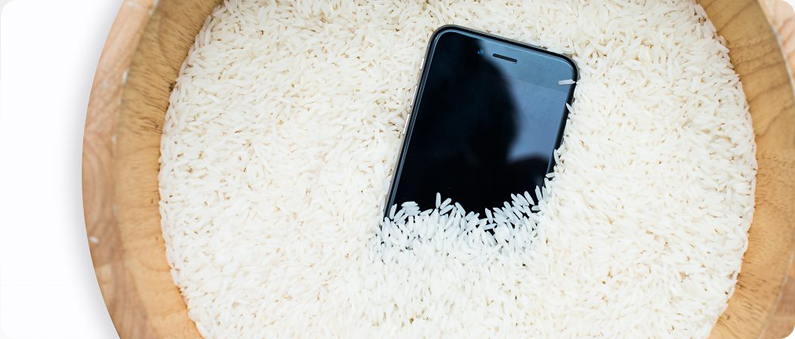
Submerging a wet device in a bowl of dry rice is a common myth. Rice does not draw moisture out from sealed internal components fast enough to stop corrosion.
Instead, raw rice deposits fine starch dust and small particles into open ports and speaker grilles. This dust mixes with internal liquid, creating a gummy residue that clogs components and worsens corrosion.
Better Alternative: Place the powered-off device in a sealed container with silica gel packets (the moisture-absorbent packets found in shoe boxes or electronics packaging) while arranging professional repair services.
When liquid hits your phone, laptop, or smartwatch, turn the device off immediately. Leaving the power on allows electricity to flow through wet components, which causes instant short circuits and permanent motherboard damage. Do not press multiple buttons to test if it still works, and under no circumstances should you plug in a charging cable, as adding electricity to a wet device will accelerate board failure.
Next, disconnect all accessories and wipe down the exterior surfaces thoroughly. Remove protective cases, SIM trays, charging cords, and external adapters so water does not remain trapped against open ports. If you spilled liquid on a laptop, open the lid completely and flip the laptop upside down into a tent shape ("V" shape) on a clean towel so gravity can pull the liquid away from the internal circuit board.
How Professional Repair Services Treat Liquid Damage
Avoid popular DIY internet hacks like hair dryers or burying the device in a bowl of dry rice. Using a hair dryer pushes liquid deeper into micro-chips and can warp sensitive internal rubber seals or display cables. Raw rice is equally harmful; it fails to extract internal moisture fast enough to stop corrosion and introduces fine starch dust into ports, forming a sticky gunk that ruins internal contacts.
Finally, place the device in an airtight container with silica gel packets and seek professional repair as soon as possible. Silica gel absorbs ambient moisture much safer than rice while you arrange for servicing. Liquid damage starts corroding delicate micro-soldered components within hours, so taking the device to a qualified repair technician for professional disassembly and ultrasonic board cleaning is the best way to save your hardware and recover your data.
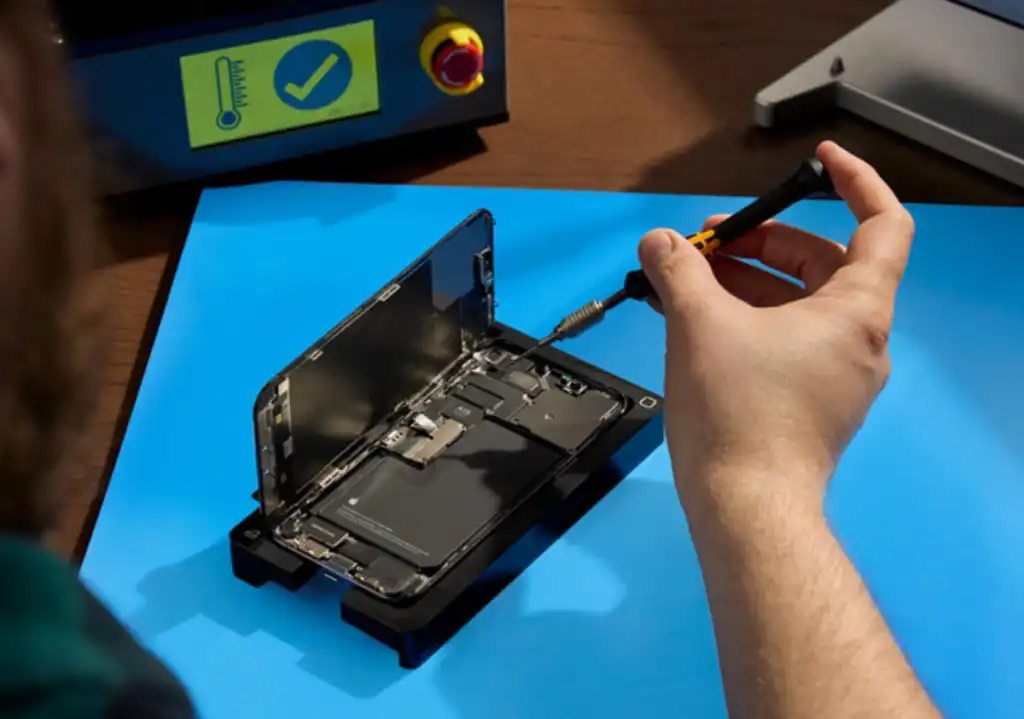
Liquid damage restoration requires deep internal cleaning beyond simple drying:
Complete Disassembly: Technicians open the device frame, isolate the battery, and remove the logic board, camera modules, and flex ribbons.
Ultrasonic Bath: The motherboard is submerged in an ultrasonic cleaner filled with specialized anhydrous isopropyl solvent. High-frequency sound waves shake away hidden corrosion under micro-chips and micro-soldered joints.
Microscopic Board Inspection: Technicians examine the board under high magnification to locate burned capacitors, corroded solder joints, or blown fuses. Damaged micro-components are then replaced.
Post-Cleaning Diagnostic Testing: The device is reassembled with new adhesive seals, verified under voltage monitors, and stress-tested before returning to the user.
Why the "Rice Myth" Harms Electronics
Submerging a wet device in a bowl of dry rice is a common myth. Rice does not draw moisture out from sealed internal components fast enough to stop corrosion.
Instead, raw rice deposits fine starch dust and small particles into open ports and speaker grilles. This dust mixes with internal liquid, creating a gummy residue that clogs components and worsens corrosion.
Better Alternative: Place the powered-off device in a sealed container with silica gel packets (the moisture-absorbent packets found in shoe boxes or electronics packaging) while arranging professional repair services.
Smartphones
Laptops, Tablets & PCs
PC Components
Gaming
Appliances
TV & Audio
Home & Outdoor
Cameras