Troubleshooting Non-Charging Devices: Ports, Cables, and Power Supply Repairs

0

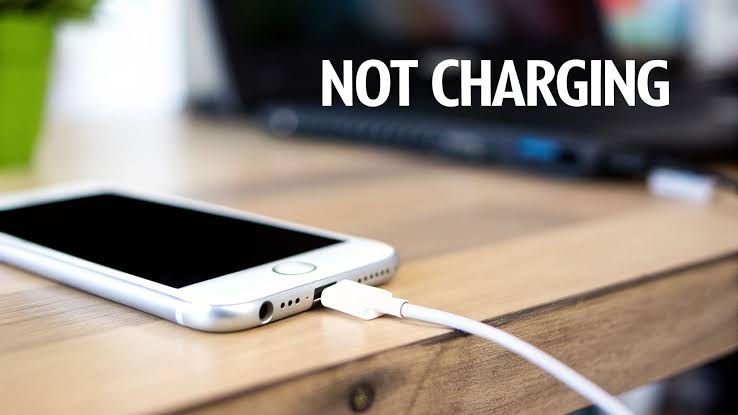
Plugging in a smartphone, laptop, or smartwatch only to realize the battery percentage has not moved is one of the most frustrating experiences for tech users across the UK. In an era where daily personal and professional tasks rely entirely on mobile devices, sudden power failure completely halts productivity. A device that refuses to take a charge often creates immediate panic, leading users to assume the motherboard is permanently dead or that an expensive replacement device is necessary.

In reality, charging failures are rarely catastrophic total-system breakdowns. The charging architecture of modern consumer electronics consists of multiple interdependent components: external power adapters, cable connectors, physical port housing, battery safety circuits, and internal power management micro-chips on the logic board. A breakdown at any single point in this power pathway causes the entire charging loop to fail.

Understanding how power flows through your devices, knowing how to isolate hardware faults, and recognizing when a repair requires simple cleaning versus professional board-level micro-soldering can save hundreds of pounds in unnecessary replacement costs. This extensive guide breaks down every aspect of non-charging devices across mobile phones, laptops, and smartwatches to help you troubleshoot, fix, and maintain your hardware.

1. Smart Power Negotiation Protocols (USB-PD & Quick Charge)

Modern smartphones, tablets, and laptops rely heavily on USB Power Delivery (USB-PD) or proprietary fast-charging protocols. Unlike older micro-USB standards that delivered a fixed voltage (typically 5V), USB-PD allows chargers and devices to "talk" to each other. When you plug a USB-C cable into a modern laptop or smartphone, the charger initially supplies a low 5V trickle charge. The device’s internal power controller then sends digital handshakes back through the cable's communication pins (CC pins in USB-C) to request higher voltages, such as 9V, 15V, or 20V. If dust, physical damage, or corrupted firmware disrupts these handshake pins, the device rejects the power input entirely as a safety precaution.

2. Physical Port Mechanical Design

The physical construction of a charging port determines its long-term durability:

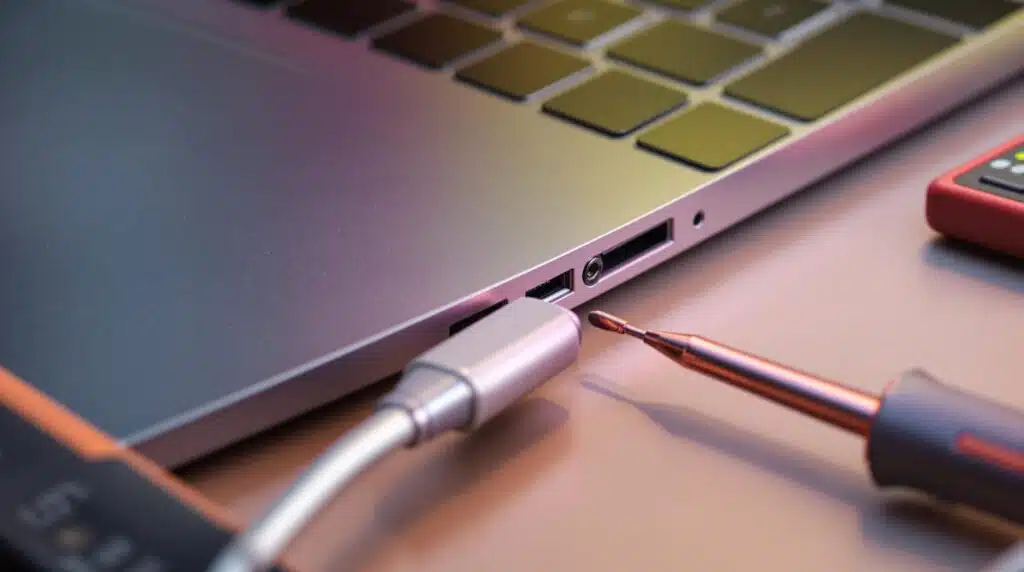
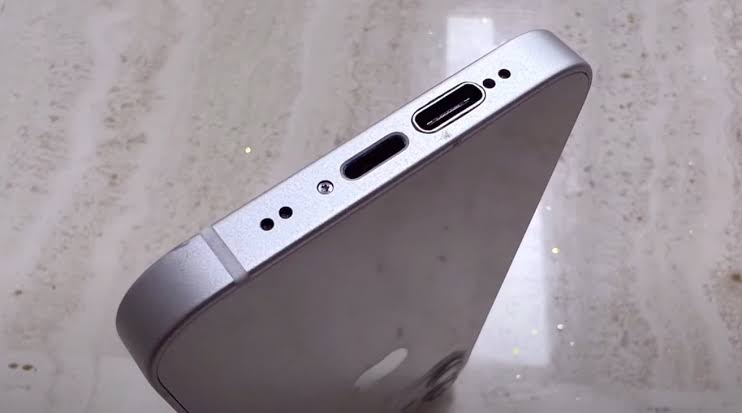
  • USB-C Ports: Feature a center plastic tongue (the "tongue/island") packed with tiny pin contacts on both sides. While reversible and high-speed, if foreign objects or crooked cables strike this center tongue hard, it snaps off internally, breaking pin contact permanently.

  • Apple Lightning Ports: Utilize a hollow receptacle where the pins are recessed on the top and bottom interior walls. Because the receptacle is a hollow cavity, it acts like a pocket lint magnet, packing debris down to the very back wall every time a cable is forced inside.

  • Smartwatch Pogo Pins & Magnetic Pads: Smartwatches utilize copper contact pads or magnetic pins. Because these pads sit directly against human skin, sweat, oils, and dead skin cells form an insulating barrier over time, blocking electrical current without any structural port damage.

Common Causes of Charging Failures

Charging failures rarely happen randomly; they are almost always triggered by daily usage habits, physical wear, or low-quality charging accessories.

1. Compacted Lint and Pocket Debris

Accountable for over 70% of smartphone and tablet charging port issues brought into UK repair shops. Carrying devices in trouser pockets, jackets, or handbags exposes open ports to textile fibers, dust, and fluff. Every time you plug in a charging cable, you act like a tiny hydraulic ram, compressing loose lint down against the back wall of the port cavity. Eventually, this lint layer grows so thick that the metal casing of the cable plug can no longer seat fully flush into the port, preventing physical pin-to-pin contact.


2. Physical Connector Pin Deformation and Wear

Every charging port has a rated insertion cycle lifetime (typically 5,000 to 10,000 insertions). Over months and years of daily usage—especially using a phone while it remains plugged in—bending force is applied to the internal pins. Pins loosen, spring contacts lose tension, and internal gold plating wears away, resulting in high electrical resistance and loose cables that fall out easily.


3. Sub-standard Third-Party Cables and Cheap Wall Bricks

Using uncertified, low-quality wall plugs bought from petrol stations or non-reputable online marketplaces is a leading cause of permanent hardware damage. Official power adapters feature built-in surge suppression, ripple filtering, and over-voltage cutoffs. Cheap knock-off adapters lack proper electrical isolation; voltage spikes from the mains AC supply pass directly into the device's sensitive power management micro-chips, frying the motherboard instantly.

4. Moisture, Corrosion, and Oxidation

Exposure to rain, high humidity, steam from bathrooms, or accidental liquid spills introduces moisture into active power ports. When electricity passes through a wet or damp port, electrolysis occurs rapidly. Gold-plated copper pins oxidize, turning green or brown, which creates high resistance, extreme thermal heat buildup, and eventual burning of the plastic housing inside the port.

5. Power Management IC (PMIC) and Board-Level Component Failures

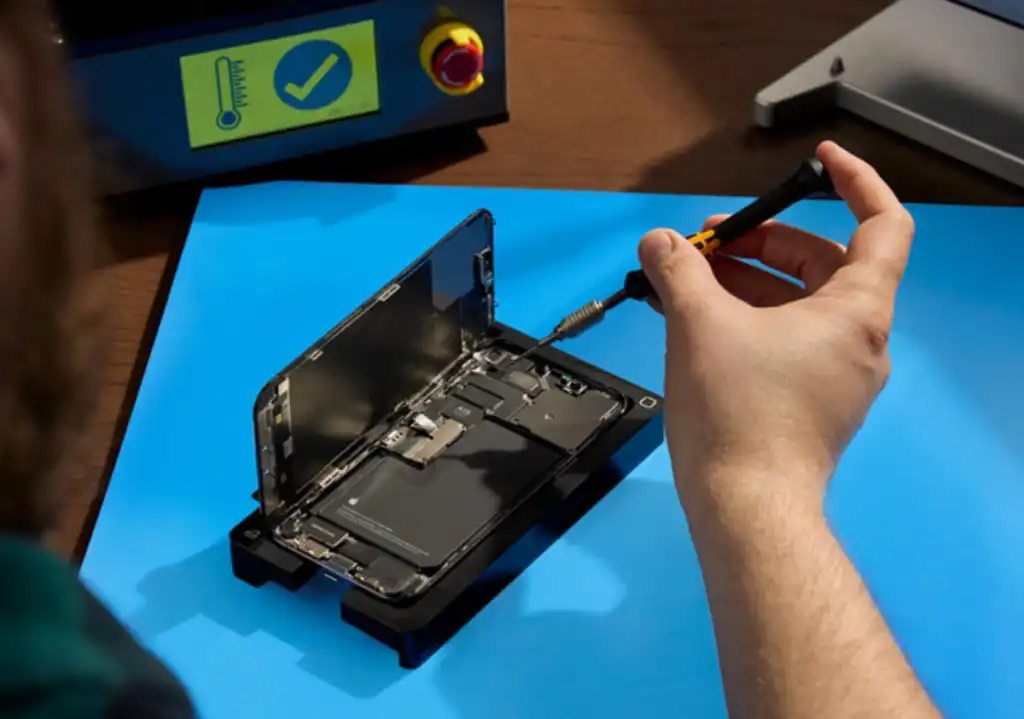
Modern logic boards contain micro-chips dedicated strictly to managing power distributions, battery health, and charge regulation. On Apple devices, these are historically known as Tristar or Hydra IC chips, while Android and Windows devices utilize system-specific PMICs (Power Management Integrated Circuits). If these chips suffer electrical damage, the device loses its ability to regulate incoming power, causing it to remain completely dead regardless of how many new cables or ports you install.


As an alternative theory, (and because Latin scholars do this sort of thing) someone tracked down a 1914 Latin edition of De Finibus which challenges McClintock’s 15th century claims and suggests.
Leave a Reply

Your email address will not be published. Required fields are marked *